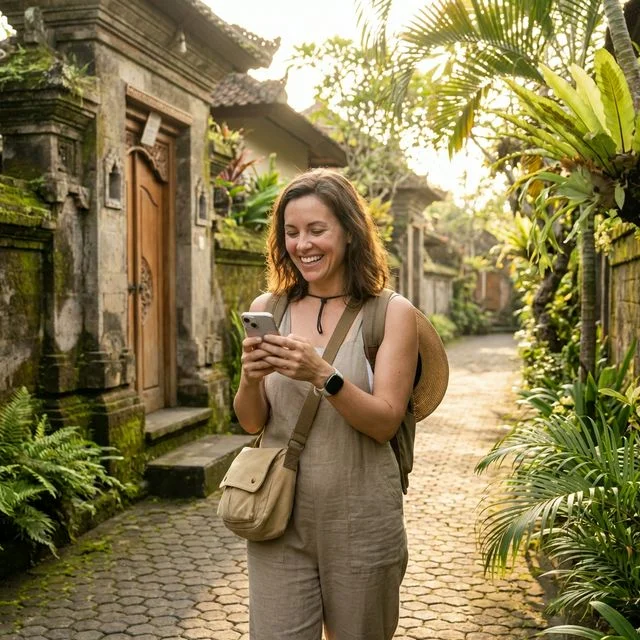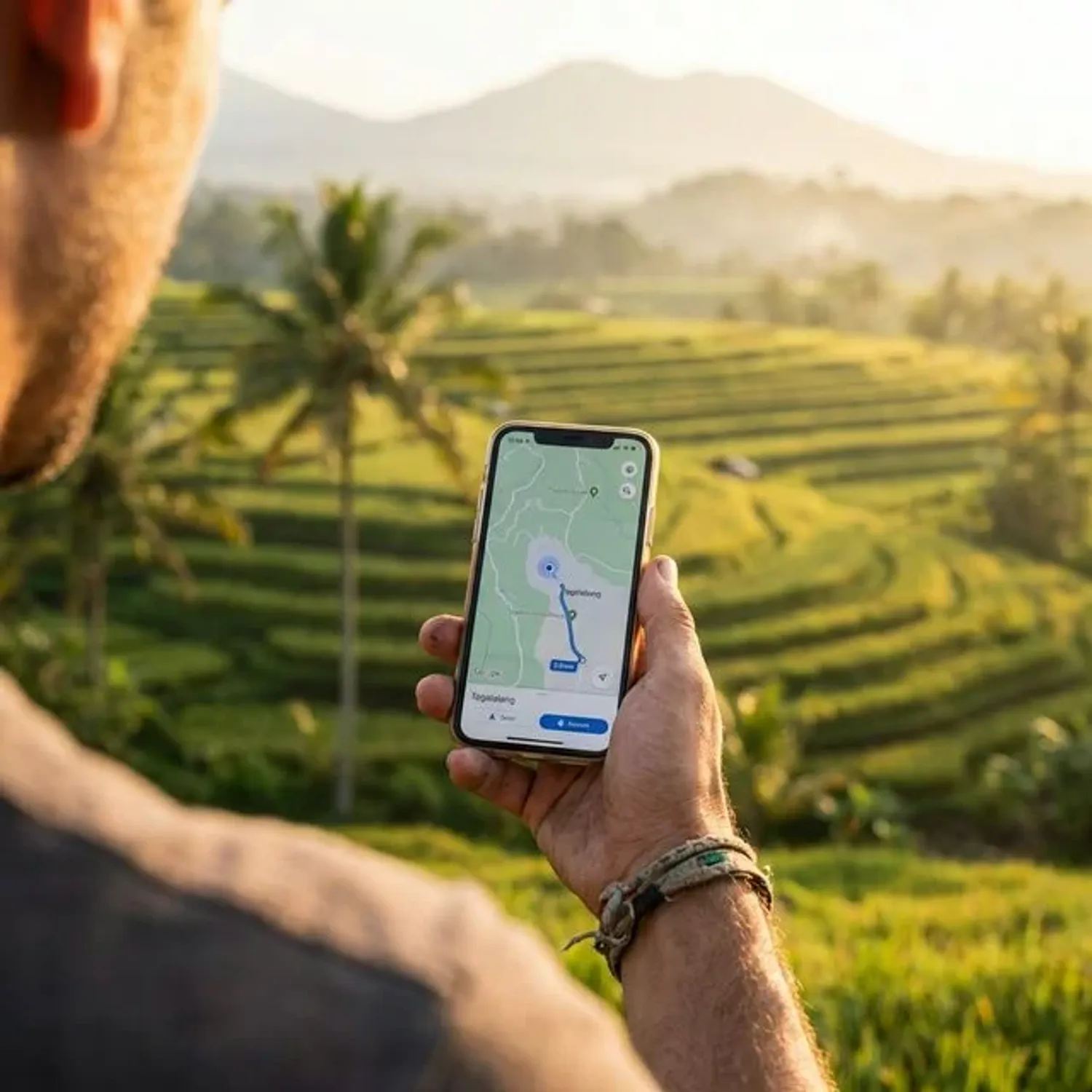
Staying connected is essential for solo travelers in Bali—from navigation and translation to emergency contacts and sharing your adventures. In 2026, Indonesia’s digital landscape is more robust than ever. According to recent data from Google Data Commons, mobile phone subscriptions in Indonesia have reached 1.25 per person, meaning the network infrastructure is highly developed, and internet penetration is consistently rising, with over 66% of the population actively using digital services.
This comprehensive guide covers everything you need to know about SIM cards, eSIMs, WiFi, and staying connected safely and affordably.
Physical SIM Card
Pros
- Widely available everywhere
- Cheaper for long stays
- Works with all unlocked phones
Cons
- Must queue at stores/airport
- Risk of losing your home SIM
eSIM (Digital SIM)
Pros
- Instant setup before arrival
- Keep home number active
- No physical swapping needed
Cons
- Requires compatible phone
- Slightly higher cost


Stay connected
on your trip
Quick Answer: Best Options for Solo Travelers
For Most Solo Travelers: Telkomsel
- Coverage: Best across Bali, including remote areas
- Price: 50,000-150,000 IDR ($3.50-10.50) for tourist packages
- Speed: 4G/LTE in most areas, 5G in select locations
- Setup: Easy at airport or official stores
For Digital Nomads: XL Axiata
- Data: Larger packages available
- Speed: Consistent 4G performance
- Price: Competitive for long-term packages
- Coverage: Good in urban and tourist areas
For Short Stays: eSIM
- Convenience: No physical SIM needed
- Setup: Activate before arrival
- Price: Slightly more expensive
- Best for: Tech-savvy travelers with eSIM-compatible phones
Setup and Activation Guide
Physical SIM Setup Step-by-Step
At the airport (recommended for solo travelers):
- Go to official counter: Look for Telkomsel or provider kiosks
- Present passport: Required for registration
- Choose package: Based on your length of stay
- Staff installation: Let them set it up on your phone
- Test connection: Verify data works before leaving
- Get receipt: Keep for warranty and customer service
In the city:
- Find official store: Look for branded storefronts
- Bring identification: Passport or copy
- Language considerations: Some staff speak basic English
- Verify everything: Test before leaving the store
- Save contact info: Store customer service numbers
eSIM Activation Process
Before arrival:
- Check phone compatibility: Settings > Cellular > Add Cellular Plan
- Install provider app: Airalo, Holafly, or similar
- Purchase package: Choose data amount and validity
- Install eSIM: Follow app instructions
- Don’t activate yet: Wait until you need it
Upon arrival:
- Turn on airplane mode: Then turn off to trigger activation
- Select eSIM: Choose as your data plan
- Keep home SIM: For calls and texts if desired
- Test connection: Verify data works
- Track usage: Monitor through provider app
eSIM Options for Modern Travelers
Airalo (Editor’s Top Pick for 2026)
If you have an eSIM-compatible phone, this is hands-down the best option for solo travelers. I’ve used Airalo in over 15 countries, and the convenience of landing in Denpasar Airport and having instant data without queuing at a kiosk is worth every penny.
Why solo travelers love it:
- Pre-arrival setup: Activate before you land
- No physical SIM: Keep your home number active
- Multiple countries: Perfect for multi-destination trips
- Easy management: App-based control
Bali-specific packages:
- Indonesia 1GB: 7 days validity - $5 USD
- Indonesia 3GB: 15 days validity - $11 USD
- Indonesia 5GB: 30 days validity - $18 USD
- Indonesia 10GB: 30 days validity - $32 USD
Setup process:
- Check compatibility: Ensure your phone supports eSIM
- Download app: Install Airalo before your trip
- Purchase package: Buy and install before arrival
- Activate upon landing: Turn on when you need it
- Manage data: Track usage through the app
Stay connected
on your trip
Holafly
Best for:
- Unlimited data: No need to track usage
- Longer stays: 15-30 day packages available
- Simple pricing: No surprise charges
- Good coverage: Uses local networks
Package options:
- Indonesia 15 days: Unlimited data - $47 USD
- Indonesia 20 days: Unlimited data - $54 USD
- Indonesia 30 days: Unlimited data - $64 USD
- Indonesia 60 days: Unlimited data - $84 USD
AloSIM
Features:
- Flexible packages: Mix and match data amounts
- Global coverage: Works in multiple countries
- App management: Easy top-ups and tracking
- Customer support: English-speaking assistance
Physical SIM Cards: Detailed Comparison
Telkomsel (Recommended for Solo Travelers)
Why it’s best for solos:
- Reliable coverage: Works in remote areas where you might venture alone
- English support: Better customer service for international travelers
- Easy setup: Simple activation process
- Wide availability: Sold everywhere, including airport
Popular Tourist Packages:
- Basic: 10GB data (5GB 4G + 5GB 2G/3G) - 50,000 IDR ($3.50)
- Standard: 25GB data (15GB 4G + 10GB 2G/3G) - 100,000 IDR ($7)
- Premium: 50GB data (30GB 4G + 20GB 2G/3G) - 150,000 IDR ($10.50)
Where to buy:
- Denpasar Airport (DPS): Official counter in arrivals hall
- Official stores: Telkomsel branches in major towns
- Authorized dealers: Look for official Telkomsel signage
- Convenience stores: Circle K, Indomaret (limited selection)
Setup process:
- Bring your passport: Required for registration
- Choose your package: Explain your data needs
- Staff will install: They’ll set up your phone
- Test immediately: Verify data and calling work
- Save customer service: +62 811-000-333
XL Axiata
Best for:
- Heavy data users: Larger packages available
- Urban explorers: Excellent coverage in cities and tourist areas
- Budget-conscious: Often cheaper for same data amount
- Social media lovers: Special packages for Instagram, WhatsApp
Popular packages:
- HotRod: 12GB data - 60,000 IDR ($4.20)
- Xtra Combo: 24GB data - 100,000 IDR ($7)
- Xtra Combo Lite: 36GB data - 150,000 IDR ($10.50)
Setup tips:
- Download MyXL app: For easy top-ups and package management
- Auto-renewal: Set up to avoid running out of data
- Check coverage: Verify works in your planned destinations
Indosat Ooredoo
Good for:
- Social media focused: Special packages for specific apps
- Night owls: Extra data during off-peak hours
- Budget travelers: Cheapest basic packages
- Short trips: Weekly packages available
Considerations:
- Limited coverage: Less reliable in remote areas
- Slower speeds: 3G in some rural locations
- Customer service: Less English support available
WiFi Options and Strategies
Free WiFi Hotspots
Reliable locations:
- Cafes and restaurants: Most offer free WiFi with purchase
- Shopping malls: Central, Beach Walk, Discovery malls
- Co-working spaces: Many have day passes
- Hotels and guesthouses: Usually free for guests
- Public areas: Some tourist spots offer WiFi
Solo traveler WiFi safety:
- Use VPN: Protect your data on public networks
- Avoid sensitive transactions: Wait for secure connections
- Turn off auto-connect: Prevent connecting to risky networks
- Update security: Keep apps and antivirus current
Paid WiFi Options
Co-working spaces:
- Outpost: Multiple locations, day passes available
- Hubud: Ubud’s famous co-working space
- Dojo: Canggu popular spot for digital nomads
- Tropical Nomad: Kerobokan modern workspace
WiFi packages:
- Day passes: 100,000-150,000 IDR ($7-10.50)
- Weekly passes: 500,000-700,000 IDR ($35-49)
- Monthly memberships: 1,500,000-2,500,000 IDR ($105-175)
Internet Speed and Coverage by Region
South Bali (Kuta, Seminyak, Canggu)
Speed: 4G/LTE excellent, 5G available in some areas Coverage: 95%+ reliable Best providers: Telkomsel, XL Axiata Solo traveler tips: Plenty of WiFi cafes and co-working spaces
Ubud and Central Bali
Speed: 4G good, some 3G in rural areas Coverage: 85% reliable Best providers: Telkomsel Solo traveler tips: Many cafes with good WiFi for remote work
North Bali (Lovina, Munduk)
Speed: 3G/4G mixed, slower than south Coverage: 70% reliable Best providers: Telkomsel only Solo traveler tips: Download offline maps before traveling
East Bali (Amed, Candidasa)
Speed: 3G in most areas, 4G in towns Coverage: 60% reliable Best providers: Telkomsel Solo traveler tips: Limited WiFi, plan accordingly
Gili Islands
Speed: 4G available, can be congested Coverage: 80% reliable Best providers: Telkomsel Solo traveler tips: WiFi available at hotels and cafes
Troubleshooting Common Issues
No Data Connection
Quick fixes:
- Restart phone: Simple but often effective
- Toggle airplane mode: On for 30 seconds, then off
- Check APN settings: Usually automatic, but may need manual setup
- Move location: Sometimes signal issues in specific areas
- Restart network settings: Settings > General > Reset
APN settings for Telkomsel:
- Name: Telkomsel Internet
- APN: internet
- Username: wap
- Password: wap123
Slow Internet Speed
Improvement tips:
- Disable background apps: Close unused applications
- Clear cache: Remove temporary files
- Use 4G only: Disable 3G/2G if available
- Restart connection: Toggle data on and off
- Move to better location: Higher ground often better signal
Can’t Make Calls
Check these:
- Credit balance: May need to top up for calls
- International roaming: Ensure enabled for your package
- Correct dialing: Use +62 country code for Indonesia
- Network settings: May need manual network selection
Top-Up and Balance Management
Physical SIM Top-Ups
Where to top up:
- Convenience stores: Circle K, Indomaret, Alfamart
- Official stores: Provider branches
- Street vendors: Small credit available
- Online apps: GoPay, OVO, Dana digital wallets
- ATMs: Some machines offer phone credit top-up
Top-up amounts:
- Small: 10,000-25,000 IDR ($0.70-1.75)
- Medium: 50,000-100,000 IDR ($3.50-7)
- Large: 150,000-300,000 IDR ($10.50-21)
Process:
- Provide phone number: Give your Indonesian number
- Specify amount: Choose your top-up amount
- Pay: Cash or digital payment
- Wait for confirmation: SMS usually arrives within minutes
- Verify balance: Check through provider app or dial code
eSIM Top-Ups
Through provider app:
- Open app: Airalo, Holafly, etc.
- Select current plan: Choose to extend or add data
- Payment method: Credit card or digital wallet
- Instant activation: Data available immediately
Apps and Tools for Connectivity
Essential Apps
Communication:
- WhatsApp: Primary messaging app in Indonesia
- Telegram: Popular for group communications
- Zoom/Teams: For video calls and meetings
- Skype: Alternative for international calls
Navigation:
- Google Maps: Download offline maps for backup
- Maps.me: Detailed offline maps for hiking
- Gojek/Grab: Ride-hailing with built-in maps
- Waze: Real-time traffic updates
Translation:
- Google Translate: Download Indonesian offline
- iTranslate: Voice translation capability
- SayHi: Conversational translation app
Data Monitoring Apps
Provider-specific:
- MyTelkomsel: Manage Telkomsel account
- MyXL: XL Axiata account management
- MyIM3: Indosat account management
General:
- My Data Manager: Track overall data usage
- Data Usage: Monitor app-specific consumption
- GlassWire: Advanced data tracking and security
Safety and Security Considerations
Digital Security for Solo Travelers
VPN essentials:
- Why needed: Public WiFi security, data privacy
- Recommended providers: NordVPN, ExpressVPN, CyberGhost
- Setup before arrival: Install and test before your trip
- Auto-connect: Set up to connect automatically on unsecured networks
Password security:
- Use password manager: 1Password, LastPass, or similar
- Enable two-factor authentication: On all important accounts
- Avoid public WiFi for banking: Use mobile data instead
- Regular backups: Cloud backup of important photos and documents
Emergency Communication
Important numbers to save:
- Emergency: 112 (Indonesia-wide)
- Tourist police: +62 361 224111
- Your embassy: Save contact information
- Hotel/guesthouse: Keep current accommodation number
- Travel insurance: 24-hour emergency hotline
Offline communication:
- Download offline maps: Google Maps for your destinations
- Save important addresses: Hotel, embassy, hospitals
- Screenshot directions: Key routes and locations
- Emergency phrases: Basic Indonesian for help situations
Budget Planning for Connectivity
Cost Breakdown by Trip Length
1 week trip:
- Physical SIM: 50,000 IDR ($3.50)
- eSIM: $5-11 USD
- WiFi cafes: 100,000-200,000 IDR ($7-14)
- Total: $8-25 USD
2 weeks trip:
- Physical SIM: 100,000 IDR ($7)
- eSIM: $11-18 USD
- WiFi/co-working: 200,000-400,000 IDR ($14-28)
- Total: $18-46 USD
1 month trip:
- Physical SIM: 150,000 IDR ($10.50)
- eSIM: $18-32 USD
- Co-working space: 500,000-1,000,000 IDR ($35-70)
- Total: $53-112 USD
Digital nomad (3+ months):
- Physical SIM: 150,000-300,000 IDR/month ($10.50-21)
- Co-working membership: 1,500,000-2,500,000 IDR/month ($105-175)
- Backup internet: Additional eSIM or pocket WiFi
- Total: $150-250 USD/month
Money-Saving Tips
Smart strategies:
- Buy at airport: Often better packages for tourists
- Compare providers: Check current promotions
- Use WiFi when available: Save mobile data for essential use
- Monitor usage: Track consumption to avoid overages
- Share hotspots: If traveling with others, consider pocket WiFi
Final Recommendations for Solo Travelers
Best Overall Setup
For most solo travelers: Telkomsel physical SIM
- Reliability: Works everywhere you might venture alone
- Support: English-speaking customer service
- Setup: Easy installation at airport
- Cost: Reasonable for the coverage provided
Alternative Options
For tech-savvy travelers: eSIM (Airalo or Holafly)
- Convenience: No need to find SIM store
- Flexibility: Keep home number active
- Setup: Activate before arrival
- Cost: Slightly higher but worth it for convenience
For budget travelers: XL Axiata with WiFi strategy
- Lower cost: Cheaper data packages
- WiFi supplementation: Use free WiFi when possible
- Urban focus: Best for city-based travel
- Trade-offs: Less reliable in remote areas
Pro Tips for Solo Travelers
- Set up immediately: Don’t wait until you need it
- Test thoroughly: Verify calling, data, and messaging
- Save emergency contacts: Local numbers and embassy
- Download offline content: Maps, translation, entertainment
- Have backup plan: Secondary connection method
- Share your number: With trusted contacts back home
- Check daily: Ensure connection is working properly
Staying connected in Bali as a solo traveler is straightforward and affordable with the right preparation. A reliable connection provides safety, convenience, and the ability to share your incredible solo adventures with the world.
Choose the option that best fits your travel style, budget, and technical comfort level - but whatever you choose, make sure to set it up early in your trip for peace of mind and seamless connectivity throughout your Bali journey.
What’s your experience with SIM cards and internet in Bali? Share your tips and recommendations for fellow solo travelers in the comments below!